
Local Broadcast
A Silent Hill inspired theme.
Reproducing this setup requires CheatCode Lifetime.
Import this .cctheme file in CheatCode Launcher: Settings → Look & feel → Saved themes → Import theme. It is not an Android app. Importing a theme requires Lifetime.
The wallpaper is a separate file. A theme import does not include images.
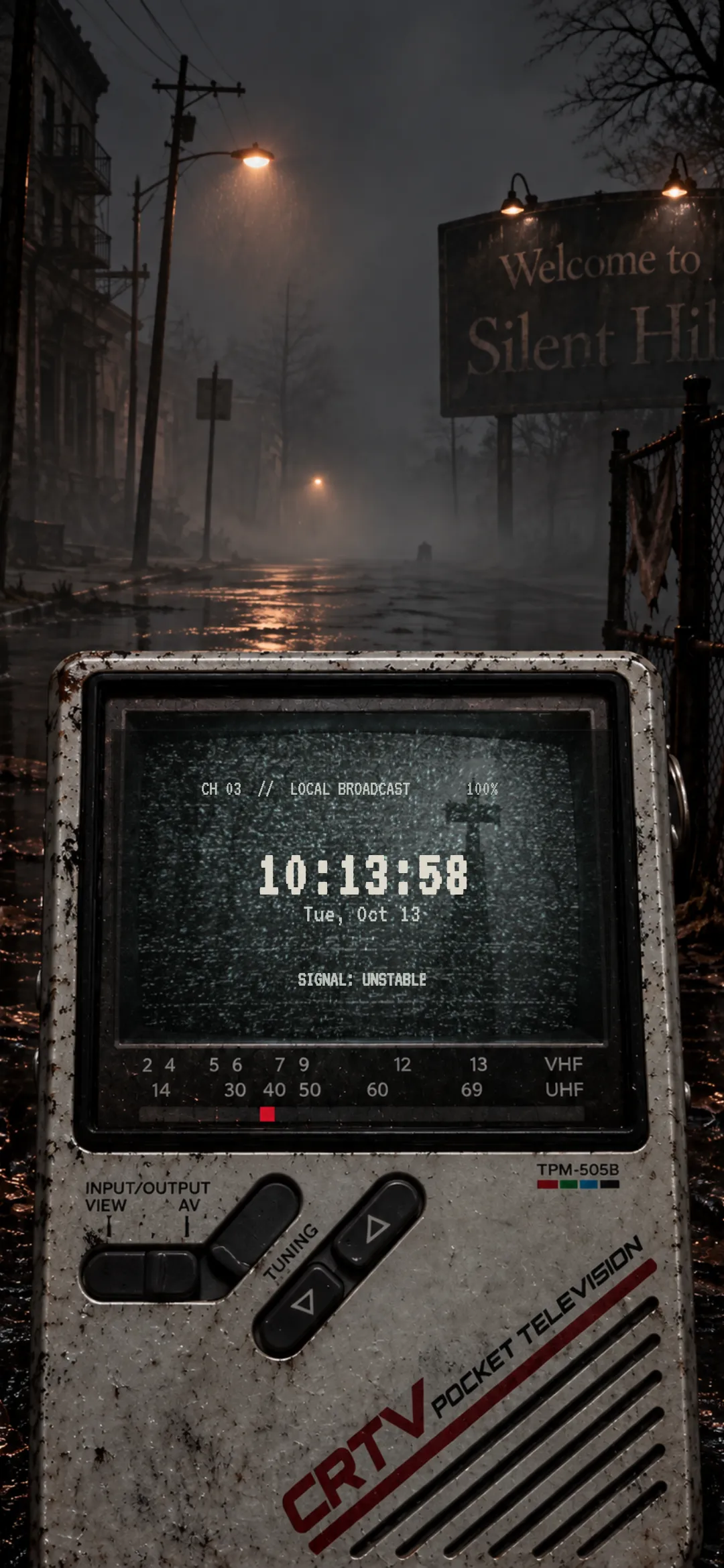
Wallpaper
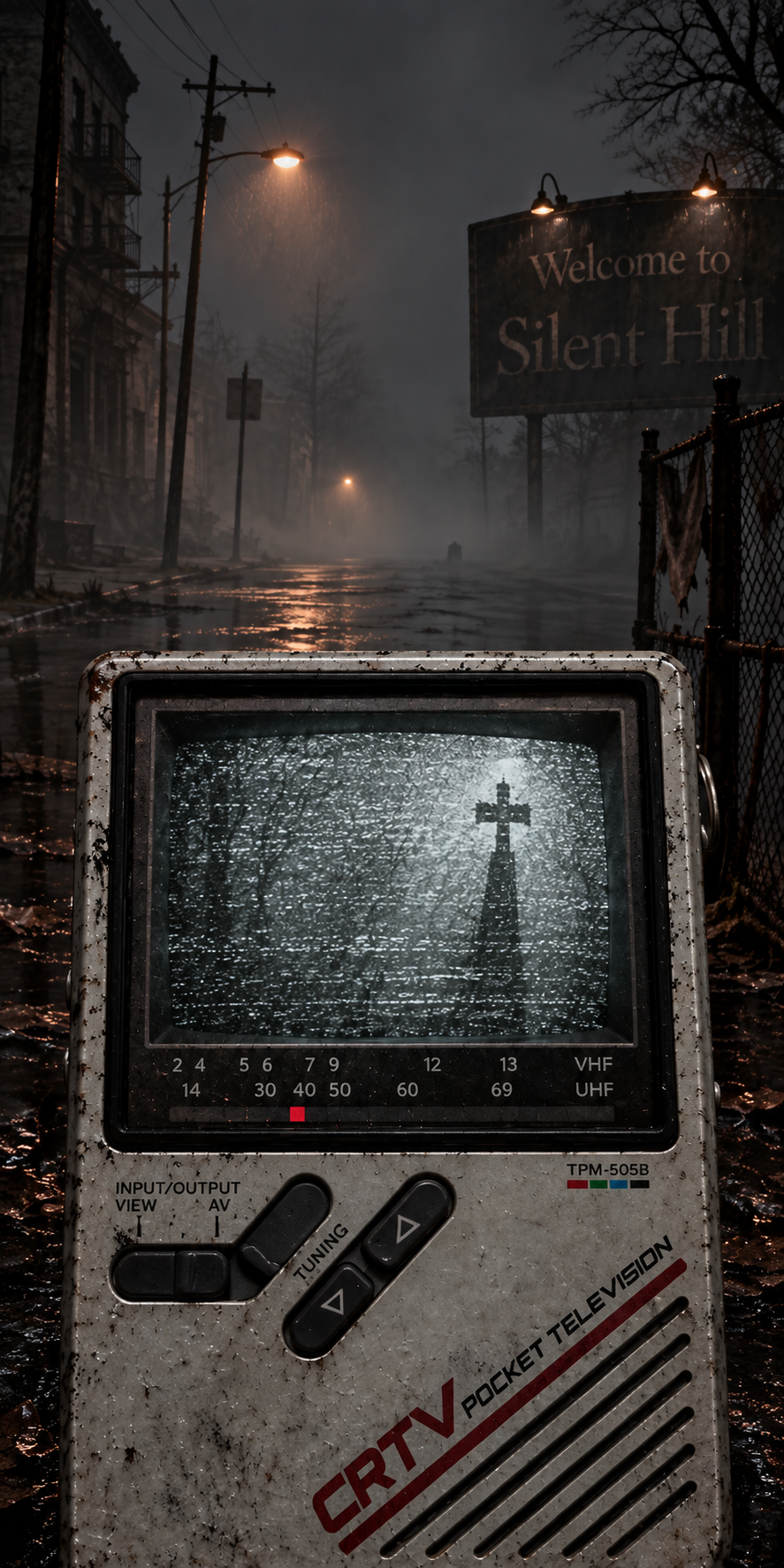
How to reproduce
- Install CheatCode Launcher, then set it as your home app.
- Download the theme file. In CheatCode Launcher, open Settings → Look & feel → Saved themes → Import theme, and choose the .cctheme file. This imports a look into the launcher. It does not install an Android app. Importing a theme requires Lifetime. The file does not include images. If the look used an image wallpaper, import falls back to the system wallpaper until you set the wallpaper yourself.
- Download the wallpaper and apply it separately. Open Settings → Look & feel → Home, choose Image, and pick the file. From a gallery app you can also use Set with… → CheatCode Launcher. That sets the launcher’s home wallpaper only. Home wallpaper is separate from the system wallpaper.
The theme includes the channel line, the clock with seconds, the date, the battery percent, and the line SIGNAL: UNSTABLE. Those labels sit on the gesture box. It does not include the wallpaper. Download the wallpaper and set it under Settings → Look & feel → Home → Image. Until you do, the home wallpaper stays on the system wallpaper.
The gesture box sits over the television screen. Its labels use VT323, which is included with CheatCode Launcher.