
Train your home screen into muscle memory.
CheatCode Launcher replaces rows of icons with gesture codes you can actually remember. Launch apps, shortcuts, and actions with custom swipe and tap sequences built around how you use your phone.
Swipe a sequence…
Sample sequence — loops automatically
Clean without compromise
Minimal launchers keep your home screen tidy by hiding most of your apps behind a drawer or search.
Traditional launchers make everything visible—but at the cost of clutter.
CheatCode Launcher keeps your home screen just as clean while giving every app, shortcut, action, and collection instant access through gestures.
How it works
-
Pick an app or action
Choose an app, shortcut, Tasker task, launcher action, or collection and assign it a gesture.
-
Learn the pattern
Swipe up, down, left, right, or tap in the sequence you chose.
-
Launch from memory
After a little practice, launching becomes automatic—no scanning icons or opening the app drawer.
Assign anything
A gesture can launch apps, run shortcuts, control media, change launcher settings, and much more.
- Apps and app shortcuts
- Collections and folders
- Tasker tasks and quick actions
- Media controls & launcher actions
- Websites and deep links
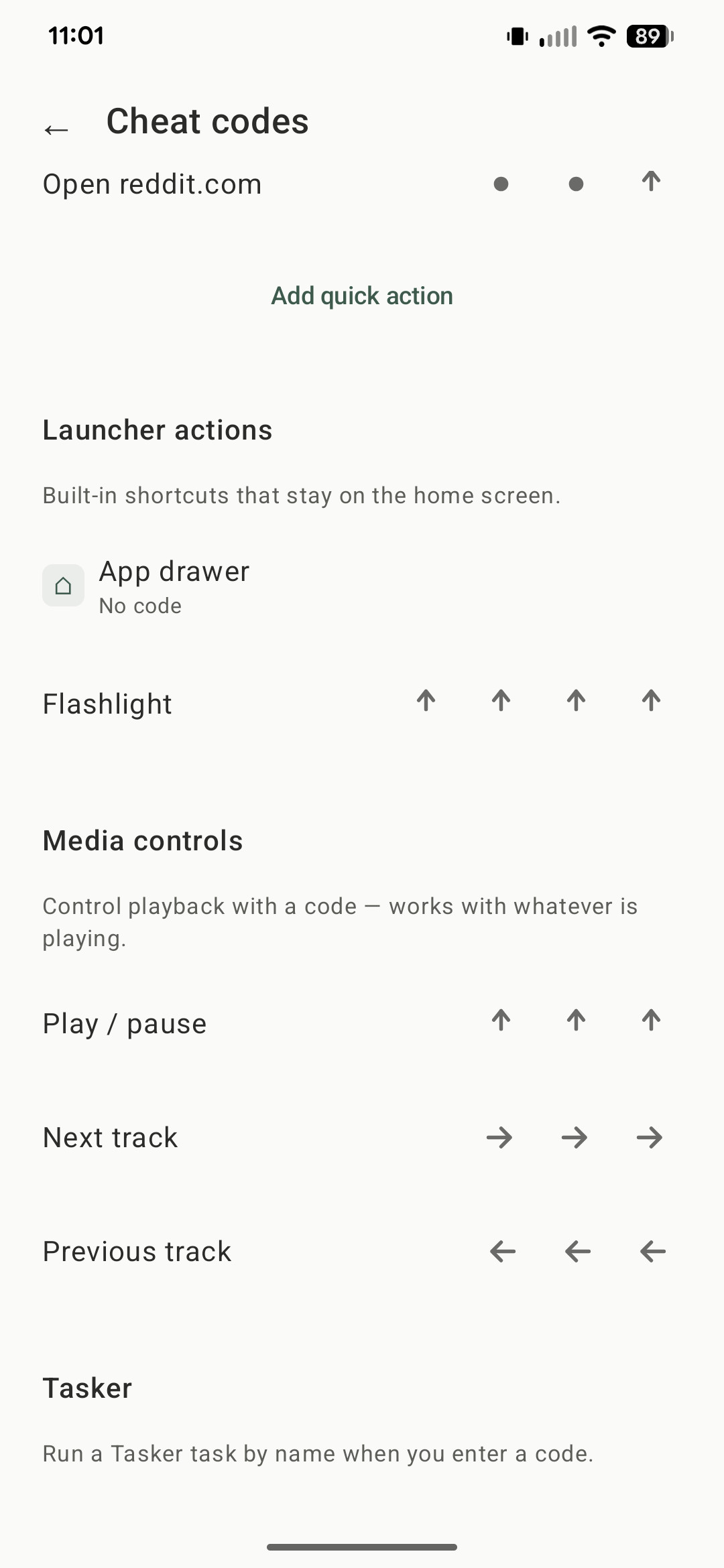
After shortcuts
Your next step is already waiting.
Link up to three follow-up apps, actions, shortcuts, or collections to any app.
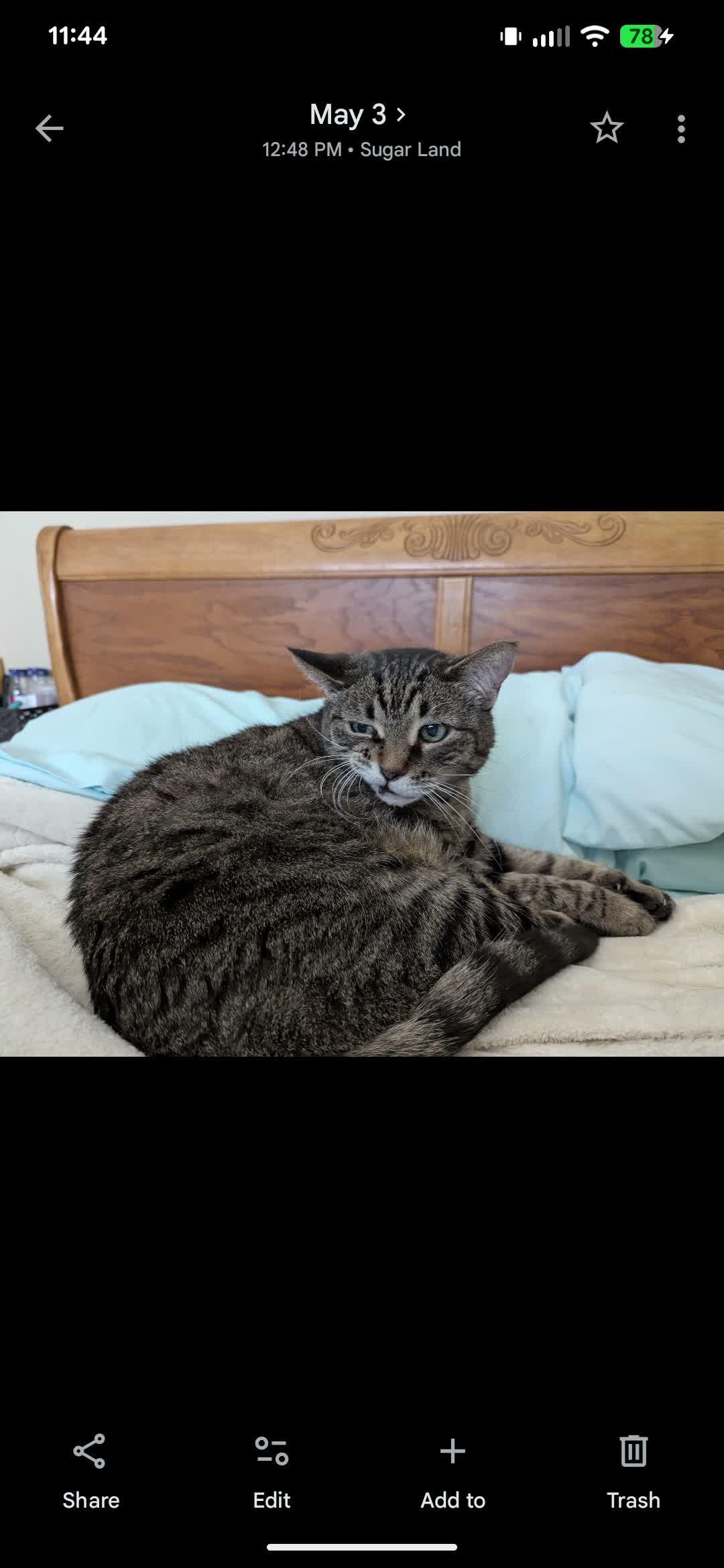
Collections
Group the apps and actions you use together.
Open a collection from the home screen whenever one shortcut isn't enough.
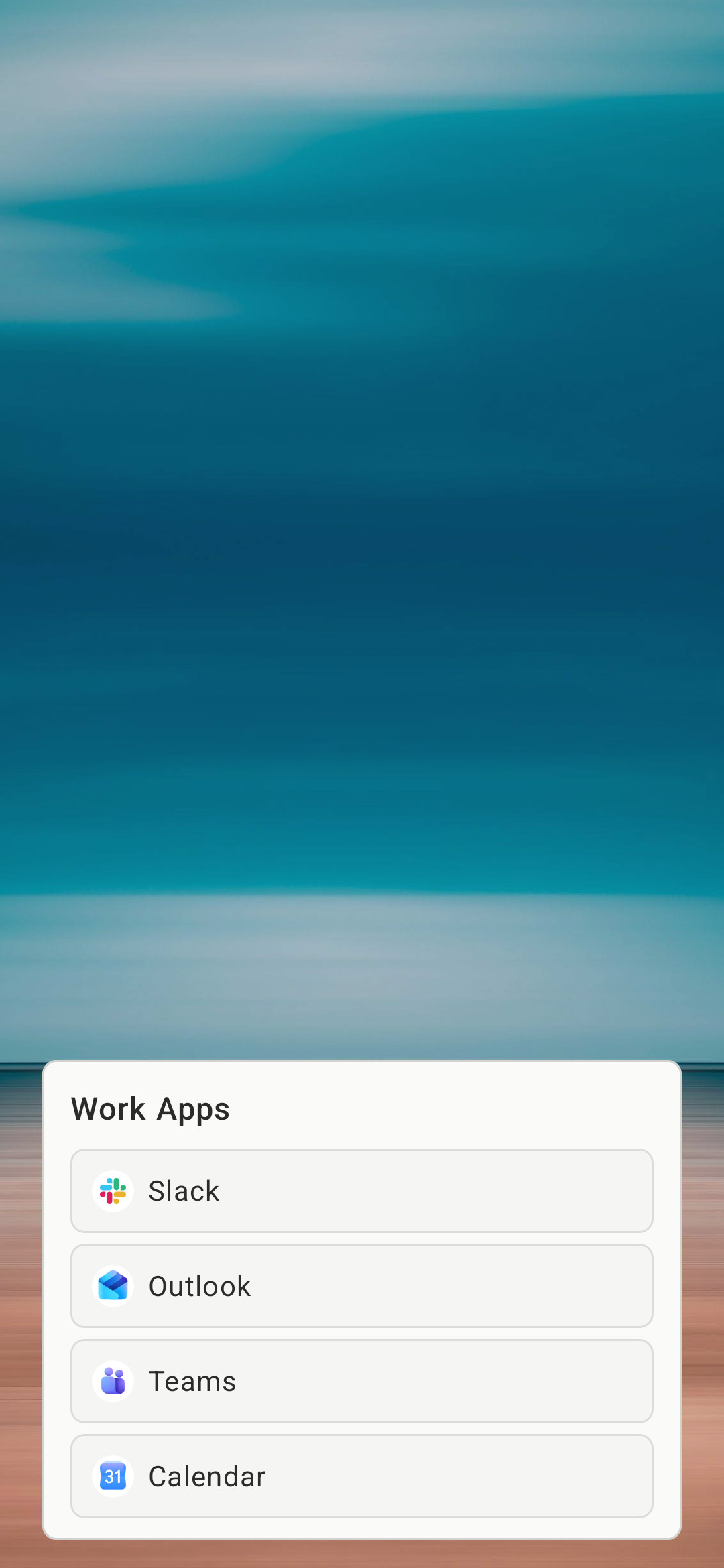
Home screen, your way
Make the home screen match your style.
- Gesture box colors, fill, album art, and labels
- Home wallpaper — solid or image — without changing Android’s wallpaper
- One third-party widget per look (support varies by widget)
- Installed icon packs, or a different icon on a single app
- Home screen labels for time, calendar, now playing, and values Tasker or MacroDroid push
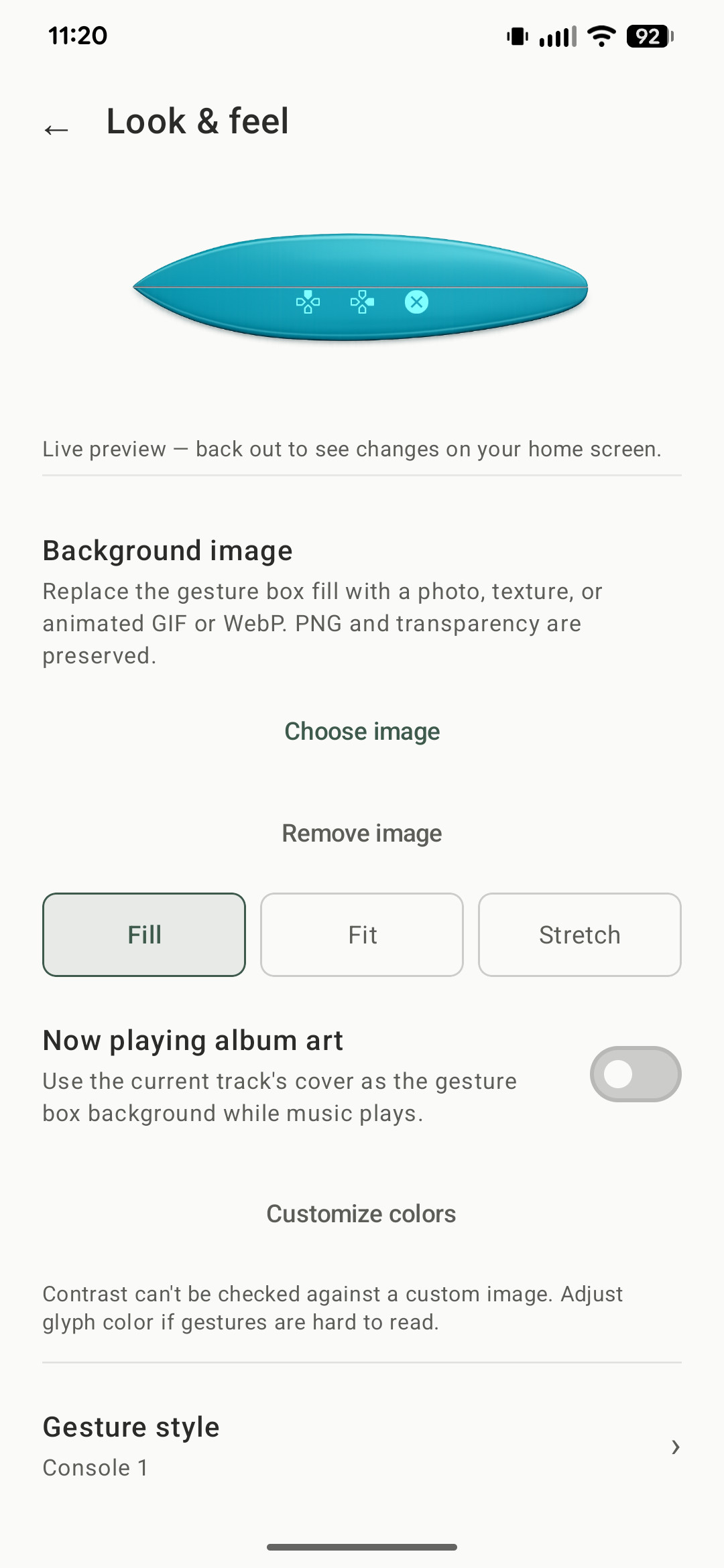
Adapts to your screen
Saved themes switch automatically based on your context, and the layout adjusts for larger screens.
Included with Lifetime. Works best when you've saved a few different looks. Tasker or MacroDroid can apply a saved look at any time; that pauses auto-switch until you resume it.
- Auto-switch themes by charging, time, weekday, notifications, and more
- Optimized placement for landscape, tablets, and unfolded foldables
- Manual changes pause automatic switching until you're ready
Built for people who think in shortcuts
CheatCode Launcher is for Android users who open the same apps and actions constantly and want a launcher that gets faster the more they use it. The home screen stays clean, while your most-used actions move into gesture codes, collections, and routines built around your habits.
If you already use Tasker or MacroDroid, they can push values onto labels and apply a saved theme. Setup is in the FAQ.
Use the drawer when you want to browse. Use codes when you already know where you're going. Either way, the launcher stays out of the way.
Ready to try it?
Install from Google Play, set CheatCode as your home screen, and assign your first gesture.