
Dead Air
Alternate Silent Hill inspired theme.
Reproducing this setup requires CheatCode Lifetime.
Import this .cctheme file in CheatCode Launcher: Settings → Look & feel → Saved themes → Import theme. It is not an Android app. Importing a theme requires Lifetime.
The wallpaper is a separate file. A theme import does not include images.
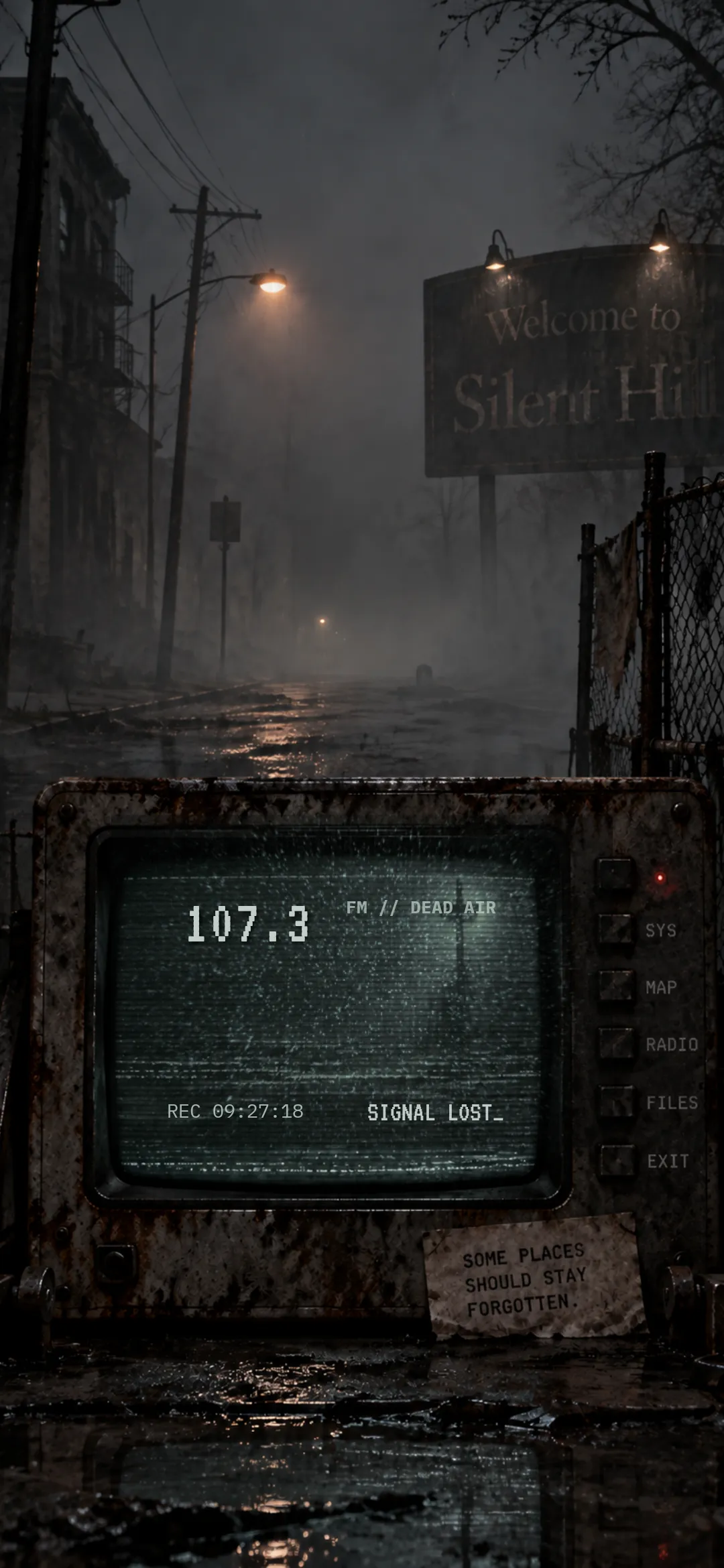
Wallpaper
How to reproduce
- Install CheatCode Launcher, then set it as your home app.
- Download the theme file. In CheatCode Launcher, open Settings → Look & feel → Saved themes → Import theme, and choose the .cctheme file. This imports a look into the launcher. It does not install an Android app. Importing a theme requires Lifetime. The file does not include images. If the look used an image wallpaper, import falls back to the system wallpaper until you set the wallpaper yourself.
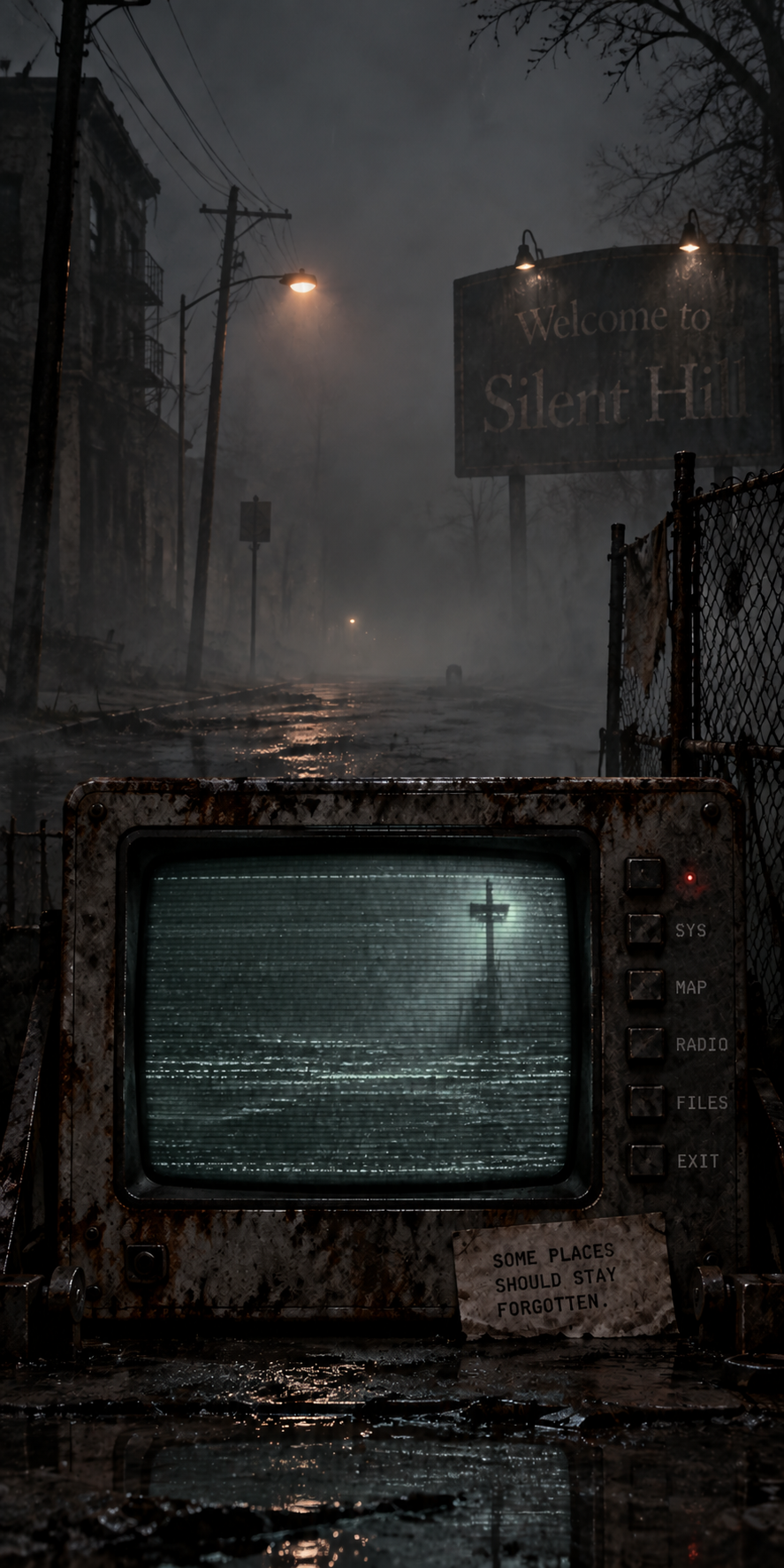
- Download the wallpaper and apply it separately. Open Settings → Look & feel → Home, choose Image, and pick the file. From a gallery app you can also use Set with… → CheatCode Launcher. That sets the launcher’s home wallpaper only. Home wallpaper is separate from the system wallpaper.
The theme includes the frequency 107.3, the line FM // DEAD AIR, a recording clock, and the line SIGNAL LOST_. Those labels sit on the gesture box. It does not include the wallpaper. Download the wallpaper and set it under Settings → Look & feel → Home → Image. Until you do, the home wallpaper stays on the system wallpaper.
The gesture box sits over the television screen. The frequency and SIGNAL LOST_ use VT323. FM // DEAD AIR and the recording clock use IBM Plex Mono. Those fonts are included with CheatCode Launcher.